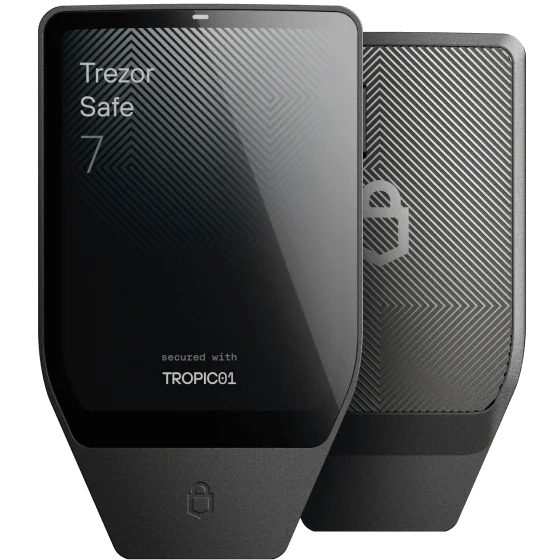
The Nano name does not identify one workflow.
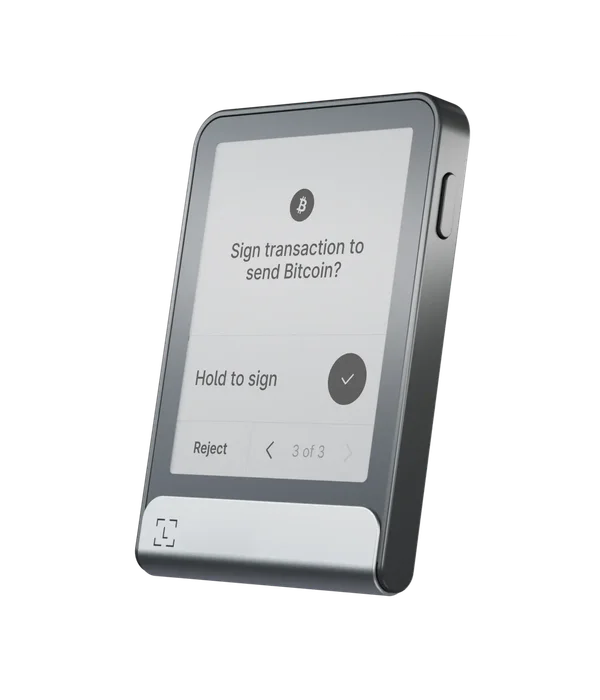
Gen5 is a touchscreen device, distinct from Nano X and Nano S Plus. Its product specification lists iOS 15+ and Android 10+, Bluetooth on phones, and USB data support for Android and computers. For iPhone, use Bluetooth rather than assuming a USB-C connector establishes data compatibility.
Start from Ledger’s official download route and choose the exact model in the app. Keep the device name in any support question or search: a two-button recovery tutorial or a Nano X starting-version condition should not be copied onto Gen5 without a model-specific source.
Match the interface to your actual transactions.
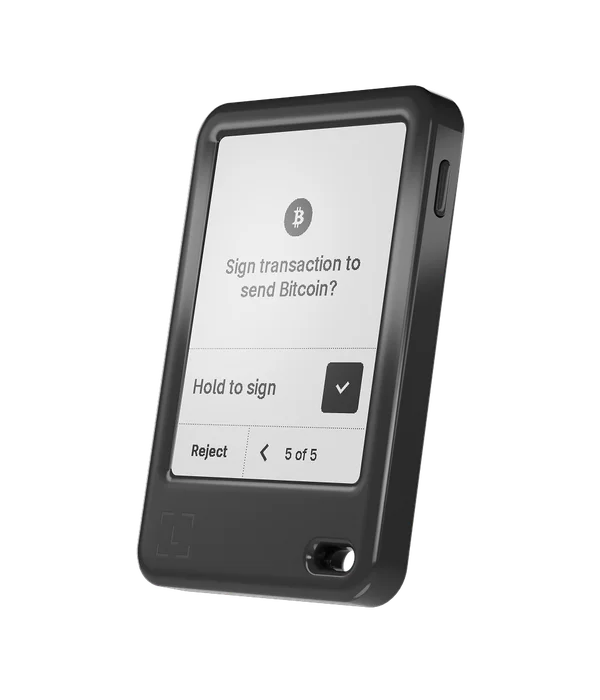
The monochrome E Ink touchscreen is the place to inspect the details the signer presents. Product photographs can show its layout, but they cannot tell us how comfortably you will read a long address or use the touch controls. We have not handled the device.
Before buying, check the applications required for each network you use. An integration that supports one Ledger model on a desktop may have a narrower mobile list. This is especially relevant when a guide uses “Ledger” as a brand label without naming Gen5. Keep unsupported or unclear combinations out of your purchase assumptions.
Read the touchscreen-device update instructions.
Ledger groups Gen5, Flex and Stax in its touchscreen OS update instructions. The mobile tab documents Bluetooth updating. It also advises a desktop attempt if the signer is stuck in Update Mode, so our mobile-maintenance label describes the normal path, not every repair scenario.
A phone-only household should establish what help is available before depending on an update. Keep the backup usable, read the current release instructions and avoid improvising a reset just because a Bluetooth session disconnects. Our profile is buying research, not a substitute for the current fault-specific procedure.
A backup accessory has its own compatibility.
A valid phrase can be restored through the hardware recovery flow. Ledger also offers Recovery Key on compatible devices. NFC support for that accessory is a different feature from communication with the phone during a transaction.
Do not assume a backup accessory works with every older Ledger simply because the brand matches. Confirm both the device you are backing up and the replacement you would use. Preserve any additional passphrase correctly; a balance displayed in a phone application is not itself a recovery backup.